
AI Business Card Scanner for Trade Show Leads
Scan business cards in 3s. Export to Excel, HubSpot or Salesforce. Send personalized follow-up emails the same day
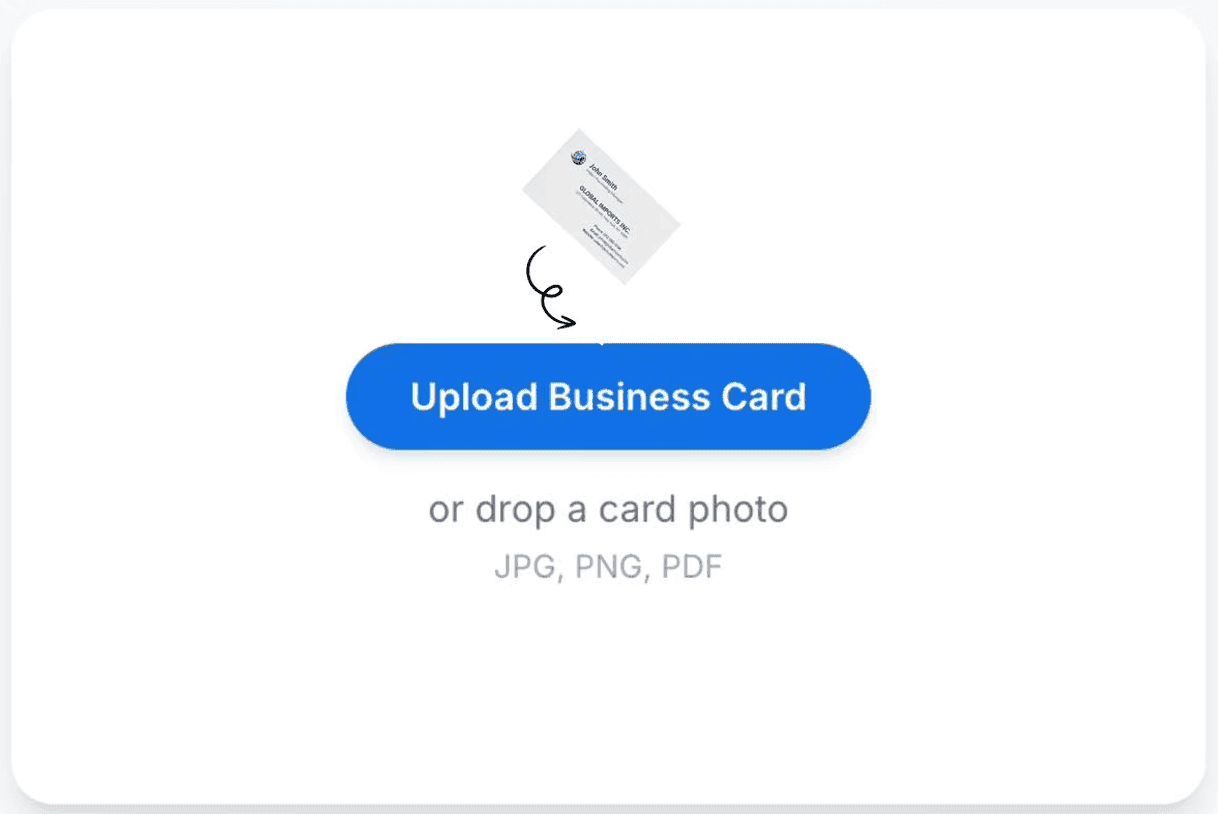
or drop a card photo
JPG · PNG · PDF





From Trade Show Business Cards to Sales-Ready Leads — In Seconds
Stop losing leads after the show. Scan, export, and follow up the same night
- Business cards sit in a pile for days — or weeks
- Hours manual typing into spreadsheets
- Delayed follow-up
- Missing or duplicated contacts
- Leads fall through the cracks between reps
- Every business card becomes a CRM-ready lead in 3s
- One-click export to Excel, HubSpot, or Salesforce
- Personalized follow-up emails sent the same night
- Clean, organized, searchable contact records
- Faster team follow-up and better lead coverage
Still losing trade show leads to slow follow-up?
Scan Your First Trade Show CardHow Our Trade Show Business Card Scanner Works
Upload a business card photo from the show floor — AI extracts every contact in seconds. No manual entry. No formatting. No lost leads
Upload Card Photos
Snap a photo on the trade show floor or upload existing card images — one at a time or in bulk. JPG, PNG, and PDF all supported. Works on iPhone and Android.
Review or Edit (optional)
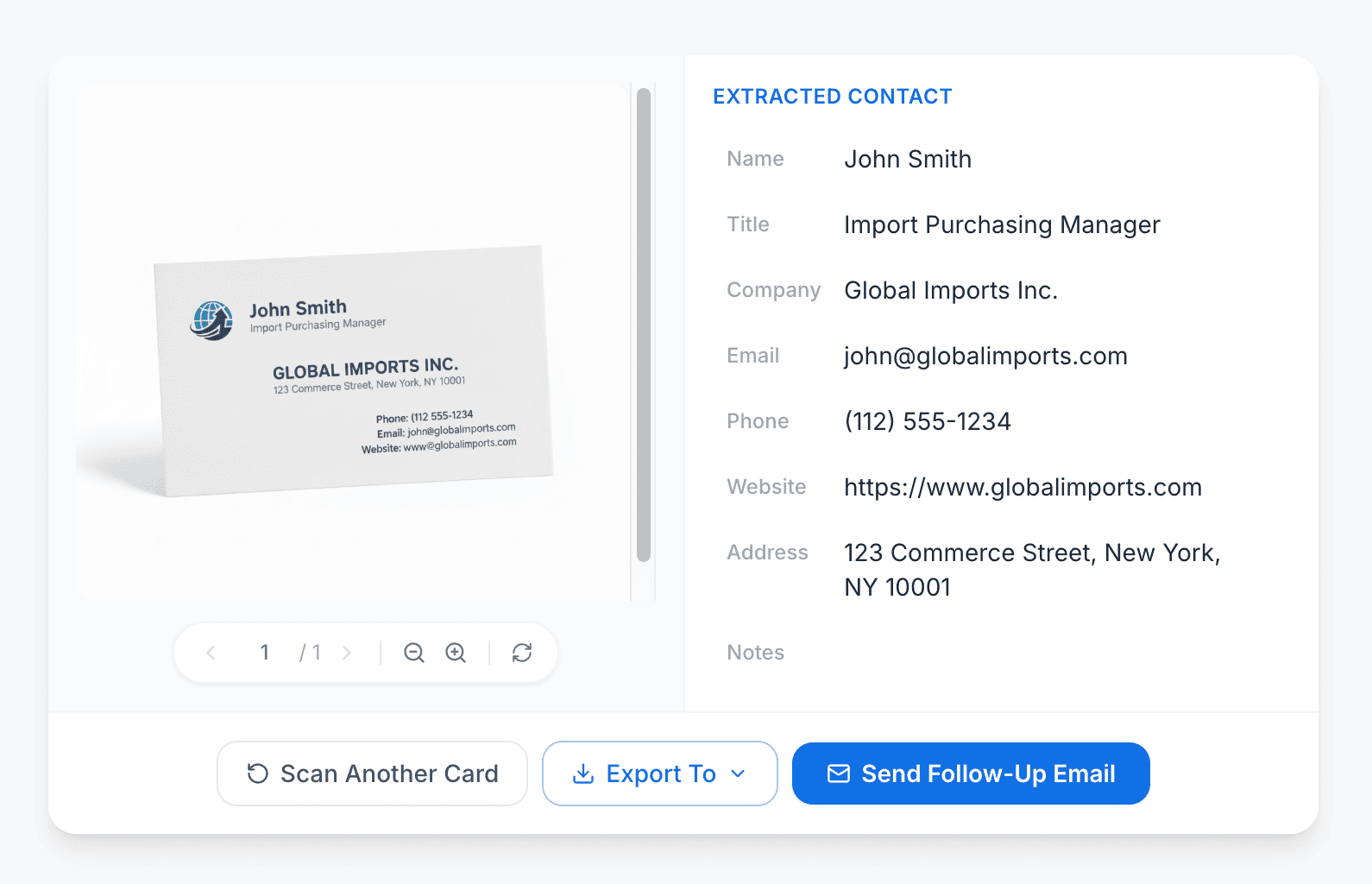
After the AI extracts the data, quickly confirm the fields, fix anything with a single click, and add your own follow-up notes — like what you discussed at the booth.
Export or Follow Up
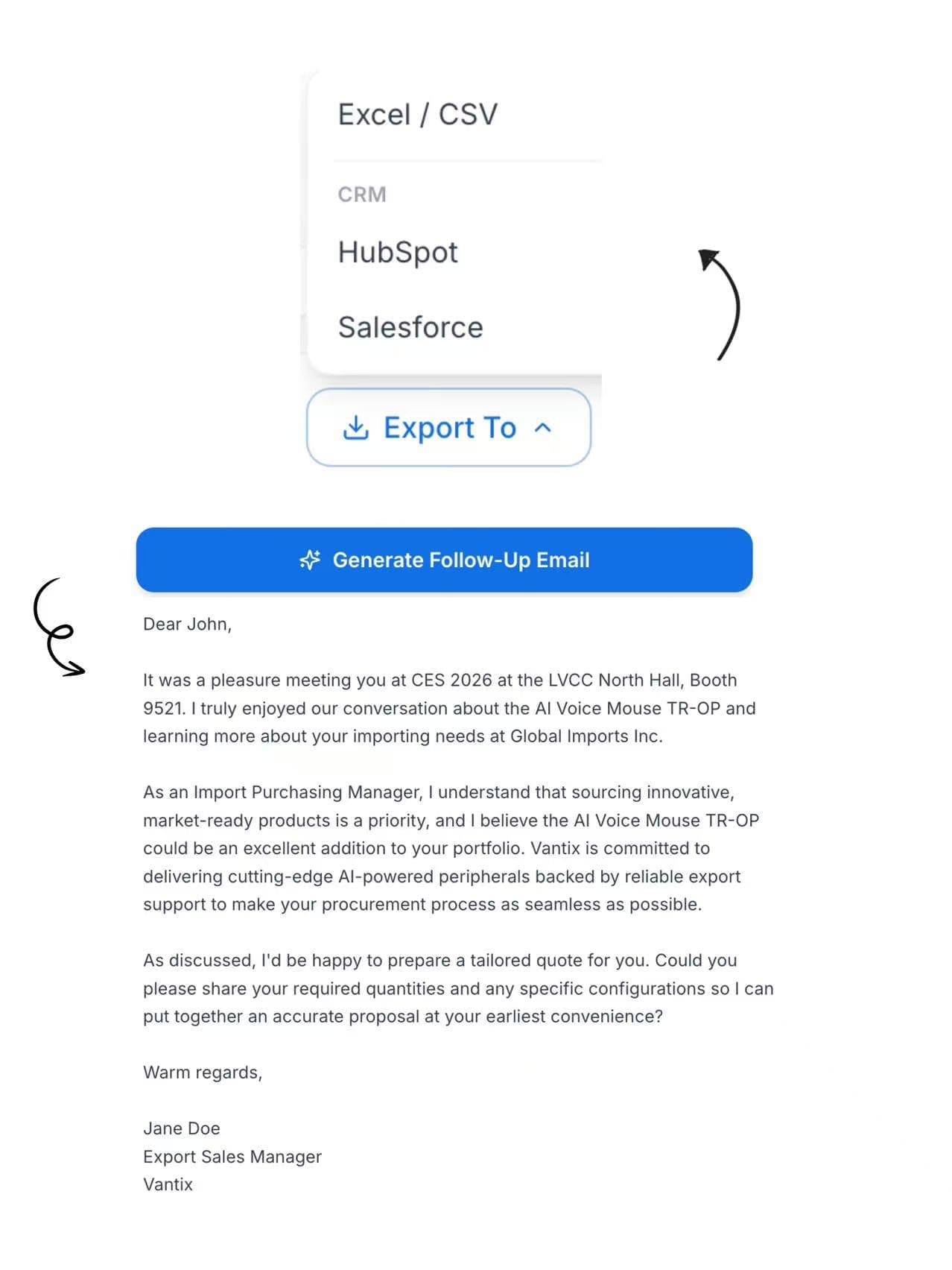
Download a clean .xlsx or .csv in one click — ready for HubSpot or Salesforce. Or generate a personalized follow-up email on demand. Just copy and send.
Who Uses This Trade Show Business Card Scanner?
Exhibiting at Canton Fair, CES, Computex, or MWC? Our AI business card scanner turns every trade show card into a CRM-ready lead — before you leave the show floor

Export Sales Managers & Team Leads
Leave Canton Fair with 400 cards from 20 countries — and have every contact scanned, structured, and ready to follow up that same evening. Our multilingual OCR reads Chinese, Arabic, and Japanese without errors, so your first email lands before your competitors.
B2B Sales Reps
Collect 60 cards at CES — including Chinese and Japanese buyers — and have every contact pushed directly into Salesforce or HubSpot before you board your flight home. No re-typing, no lost leads, no delay before your first touch.
Small Business Owners
You invested $4,000 in your trade show booth. FollowUpExpo makes sure every lead from that investment is captured, structured, and followed up — the night of the show, not a week later.
Sales Operations Leads
Managing five reps at MWC means five card stacks and five inconsistent formats. FollowUpExpo centralizes every scan into one shared library, deduplicates contacts, and delivers a single clean export — ready for your CRM import wizard and pipeline reports.
Business Card Scanning Features for Trade Show Lead Capture
Capture international buyer details in seconds, organize leads instantly, and send follow-up emails the same night — after every trade show.
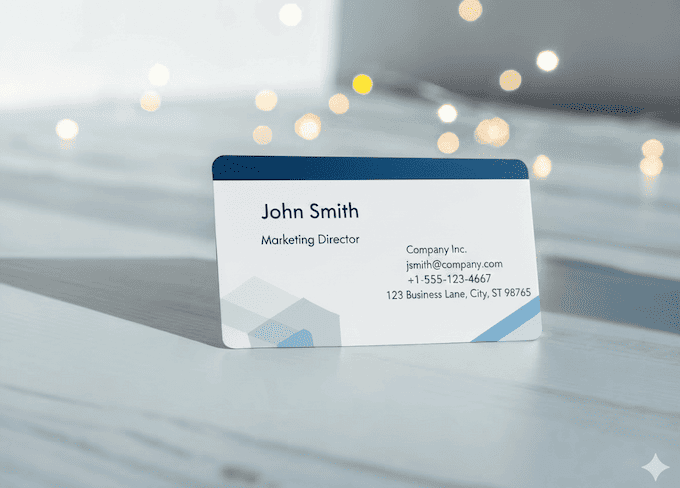
Extract Buyer Details from Cards
Automatically extract name, company, job title, phone, email, website, and address from any trade show business card — in under 3 seconds, with 99%+ accuracy.
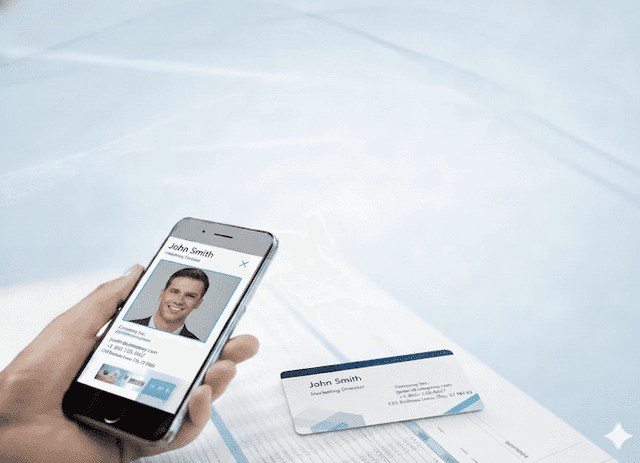
Built for Trade Show Lead Capture
Turn trade show business card photos into structured, CRM-ready leads in seconds — so your team can organize contacts from Canton Fair or CES before the event is even over.
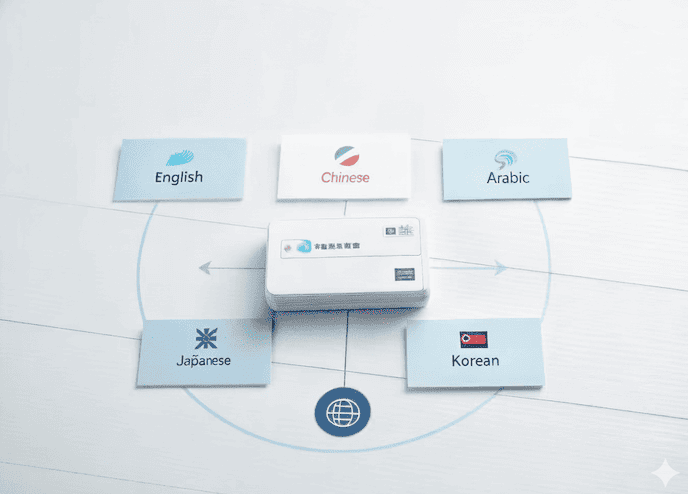
Read Multilingual Business Cards
Scan business cards from international buyers in 109+ languages — including Chinese, Arabic, Japanese, Korean, French, German, and Spanish — with no manual cleanup required.
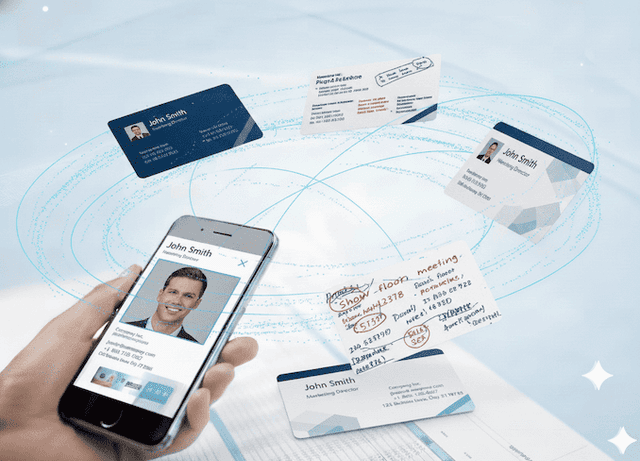
Handle Real-World Card Layouts
Works on any card from the show floor — dense layouts, double-sided cards, reversed text, or handwritten notes. Every field extracted cleanly, no matter the format.
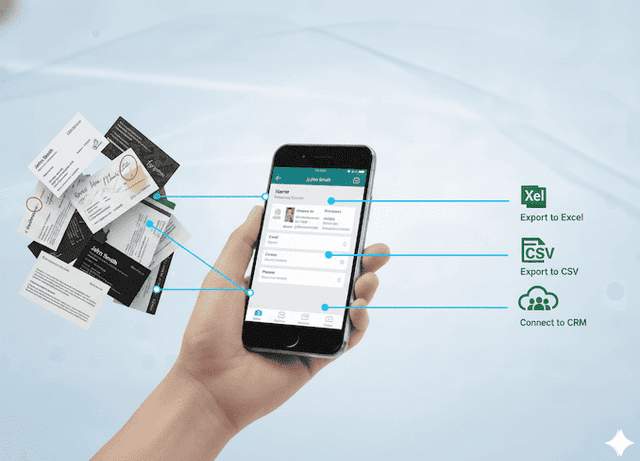
Export Leads for Team Follow-Up
Export all scanned trade show contacts to Excel, CSV, HubSpot, or Salesforce in one click — ready for your team to qualify and follow up the same day.
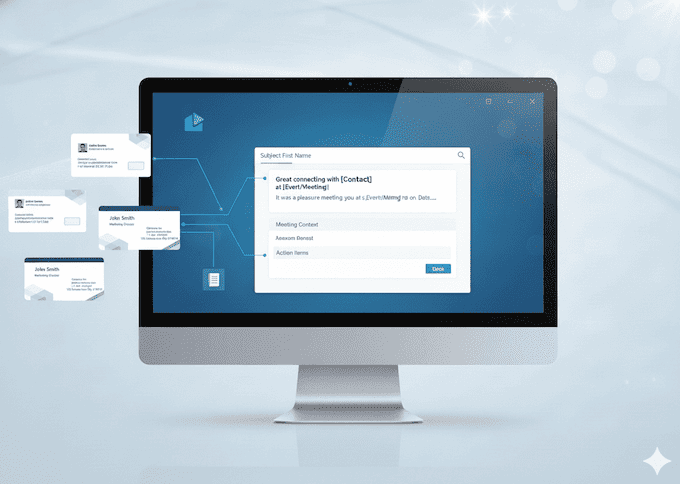
Send Follow-Up Emails the Same Day
Generate personalized follow-up emails for every trade show contact — based on their scanned card and your booth conversation notes — while the meeting is still fresh.
Trusted by Trade Show Sales Teams
Sales teams at Canton Fair, CES, MWC, and Computex trust FollowUpExpo to scan every business card and send follow-up emails the same night — not a week later



Export Sales Manager — Canton Fair
Sarah Chen
“We were still on the show floor at 6pm when the last card came in. By 10pm, all 400 contacts were in our CRM and the follow-up emails were already sent. I don't know how we managed Canton Fair before this.”
Questions About Scanning Business Cards at Trade Shows
Everything trade show sales teams need to know about AI business card scanning, exporting leads to Excel or CRM, and following up the same night